Multica for Android (unofficial)
An Android app for Multica, the platform where people and AI coding agents work on the same issues. Follow and steer your agents on the go – connected to your own Multica server, self-hosted or cloud.
Early release (v1.0.0). The app was built fast and is not extensively end-to-end tested. It is functional and usable, but has rough edges. Known issues are being fixed for v2.0.0 – see Known issues.
Screenshots
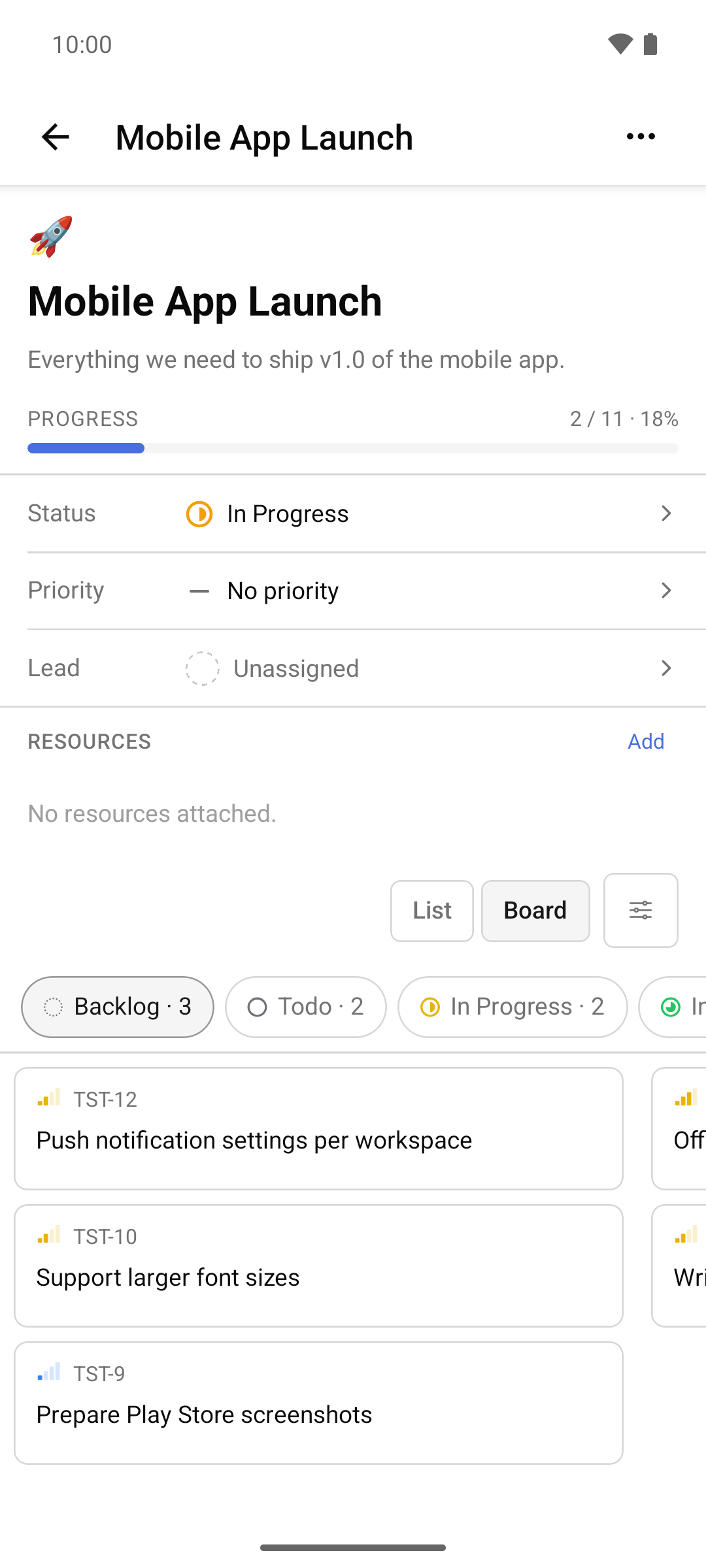
Board 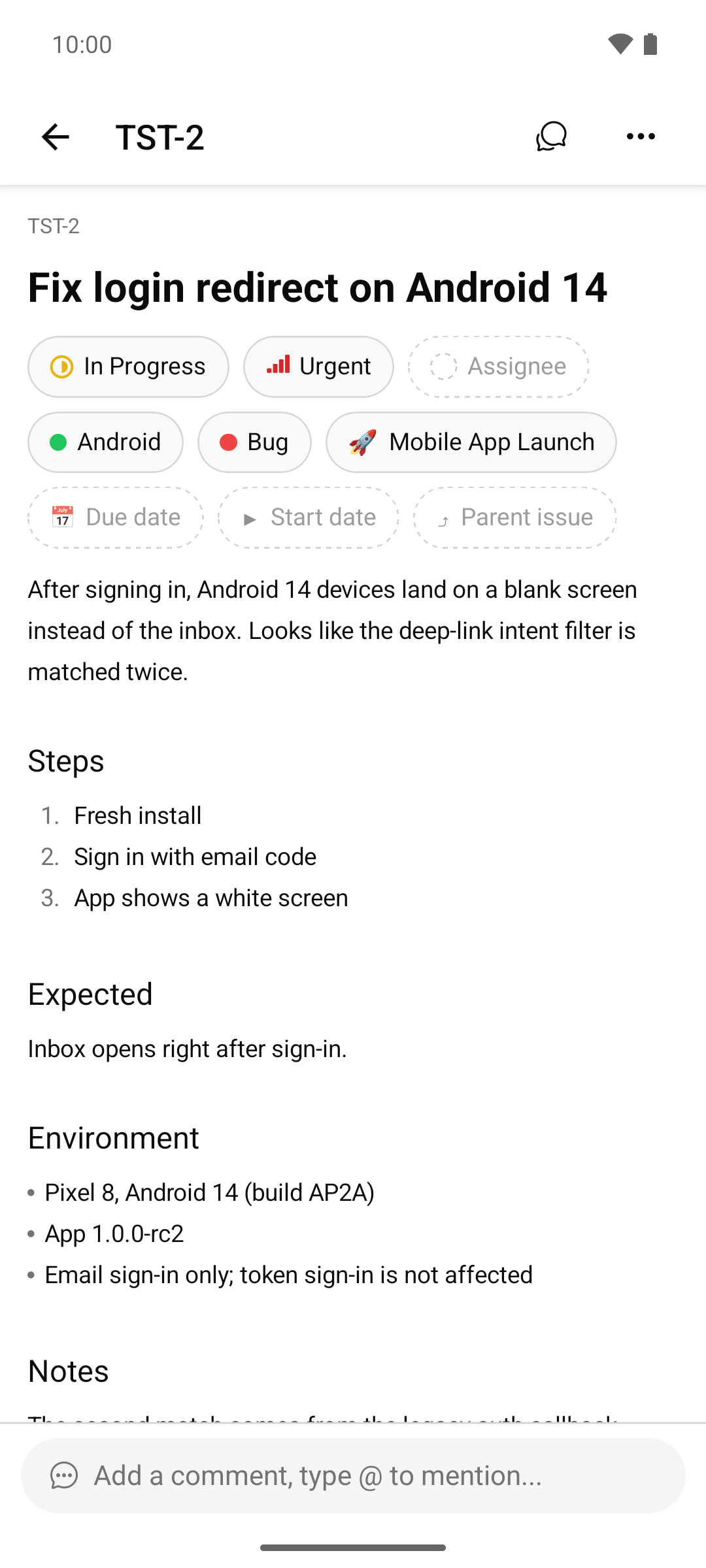
Issue detail 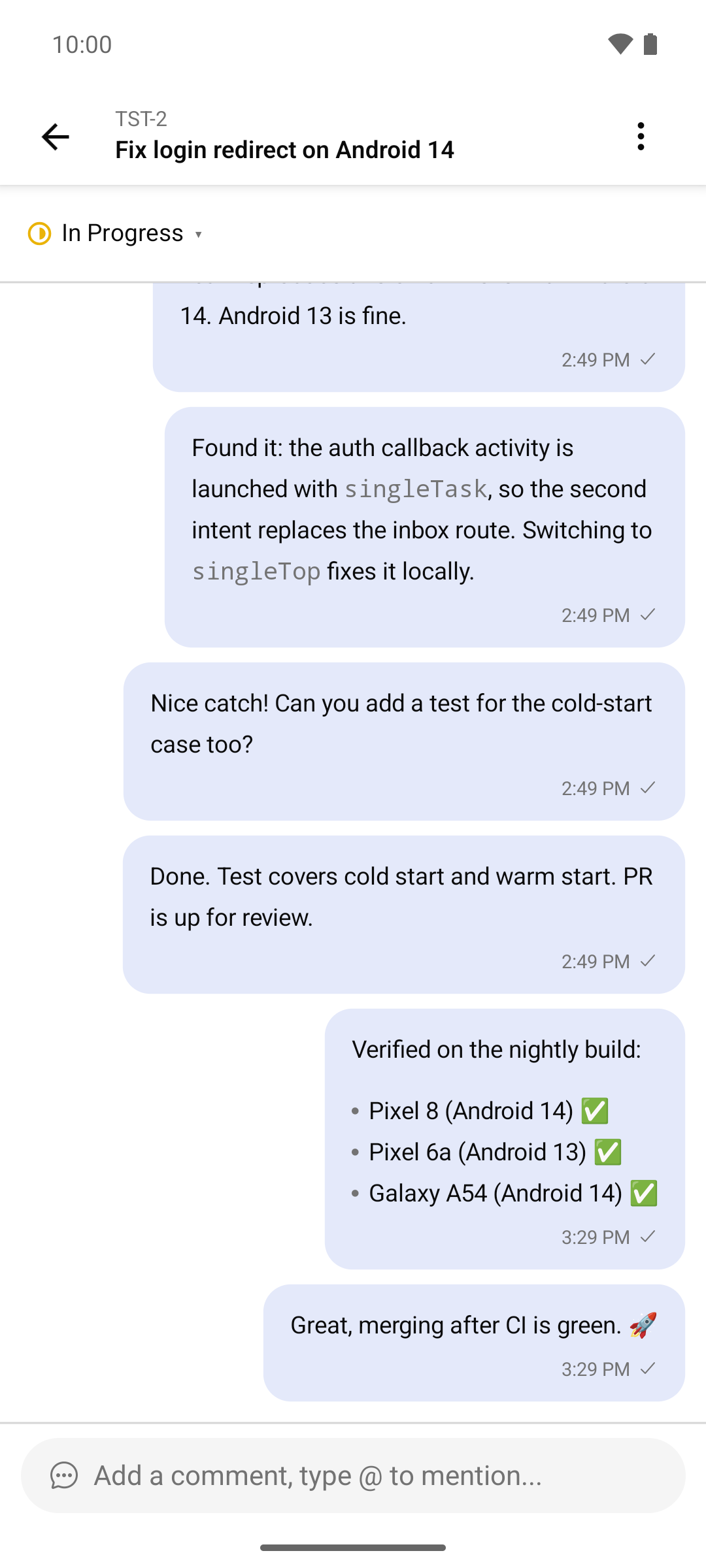
Issue chat 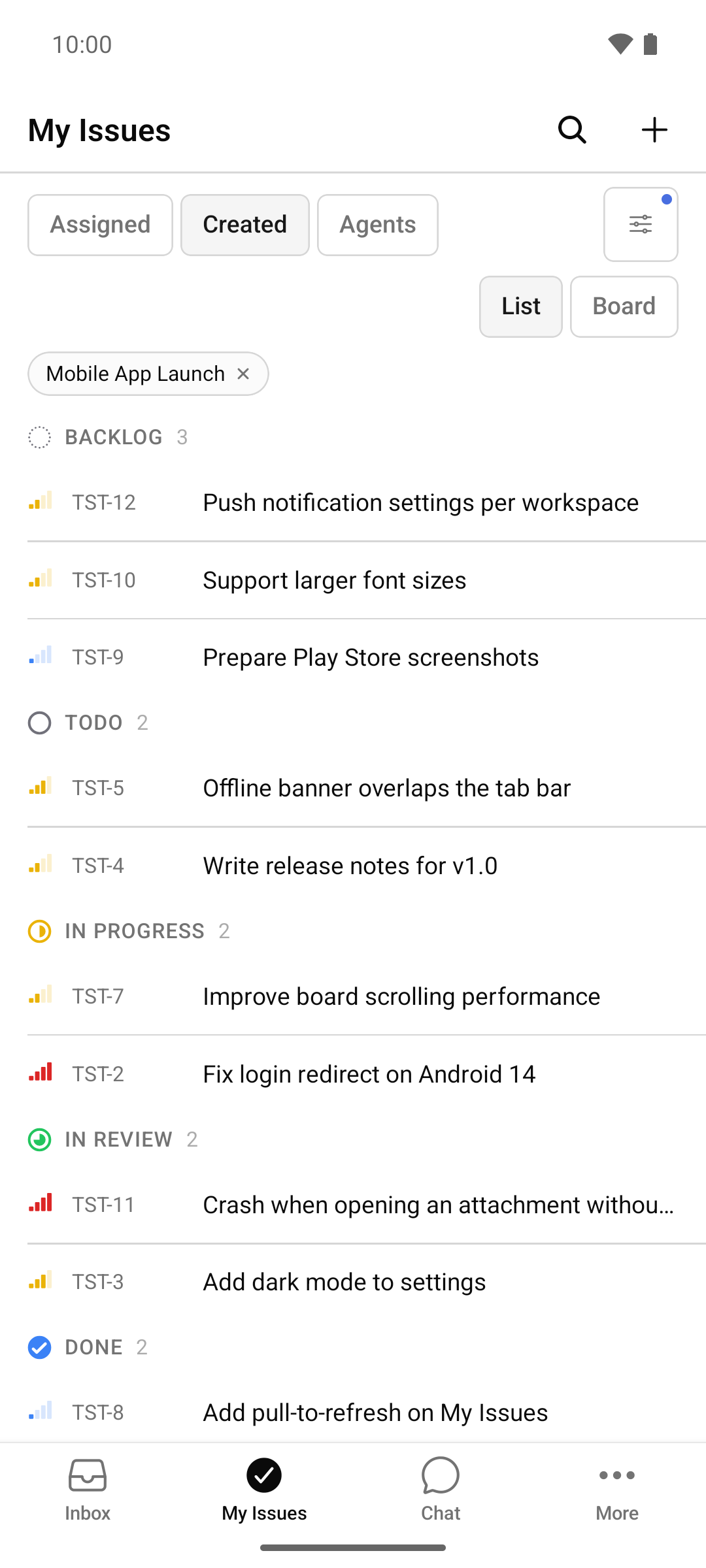
My Issues 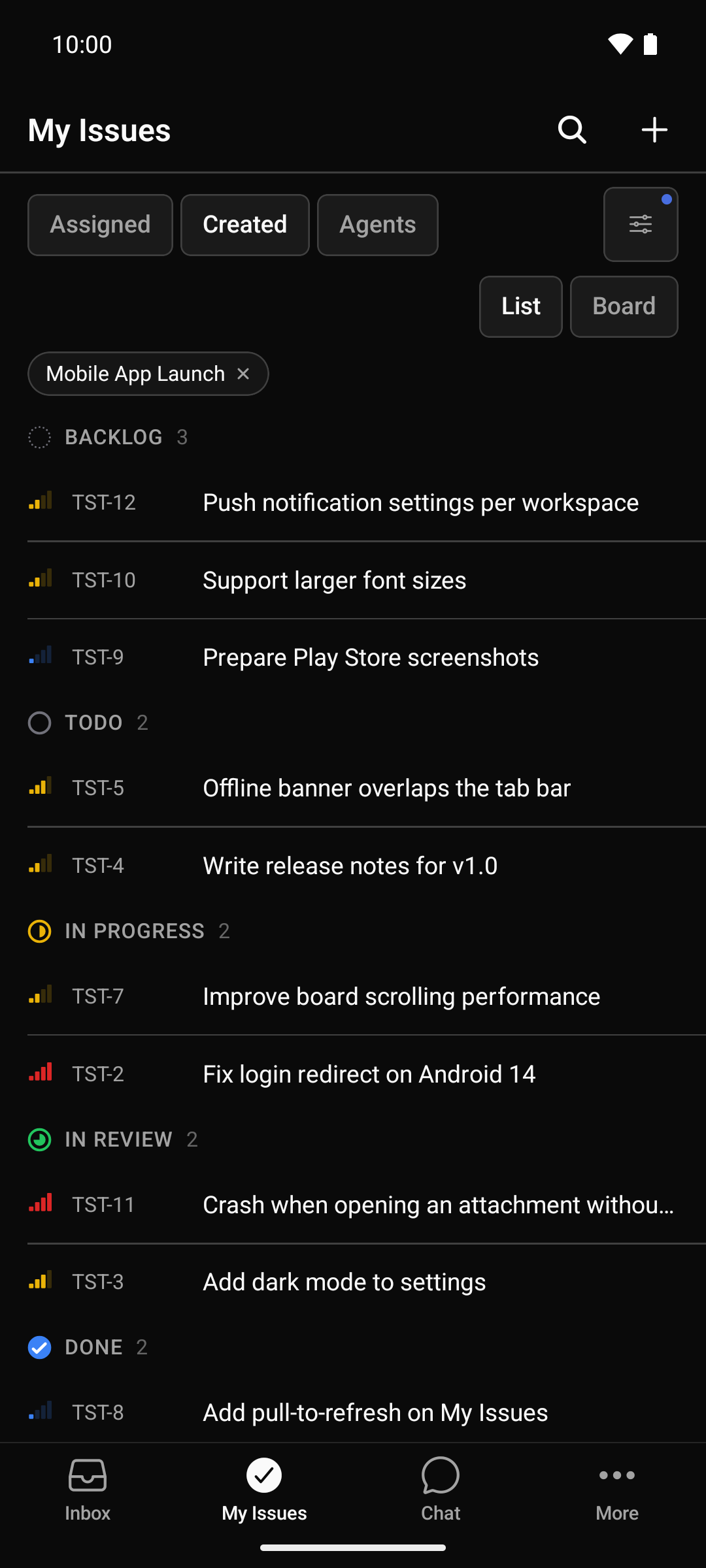
Dark mode
Features
- Inbox with live updates, unread and archive views, filters, row and bulk actions, and a “Done” action.
- Notifications without Firebase or Google Play Services: an optional foreground service keeps one WebSocket connection to your own server.
- Issues and Kanban board: lists grouped by status, board with drag and drop in landscape and on tablets, remembered filters.
- Issue detail: all common fields, sub-issues by stage, custom properties, conflict protection when editing.
- Comments and issue chat: threads, reactions, mentions, attachments, offline comments, and a chat-style timeline view.
- AI agents: run transcripts with secret redaction, cancel and re-run, chat sessions with a message queue to steer an agent.
- Projects, agents, squads and workspaces: project management, read-only agent and squad views, workspace switcher and invitations.
- Android: portrait and landscape, two-pane layout on tablets, TalkBack labels, 200 % font size, English, German and Simplified Chinese.
- Connection and security: server URL at runtime, Cloudflare Access service tokens, private CAs, secrets in the Android Keystore, no camera, microphone or storage permissions.
Use cases
- Steer AI coding agents from your phone – see when an agent has finished or needs input, read the transcript, answer and re-run.
- Notifications on devices without Google services – notifications come from your own server, not from a third-party push service.
- Self-hosted teams – the same APK works for every server: on a LAN, behind a VPN, behind Cloudflare Access or with a private CA.
Requirements
- Your own Multica instance (self-hosted or Multica Cloud) and an account on it. Developed and tested against a self-hosted Multica server v0.6.1.
- Android 7.0 (API 24) or newer on an ARM device (
arm64-v8aorarmeabi-v7a). There is no Play Store release; signed APKs with SHA-256 checksums are on the Releases page.
FAQ
- Is there a Multica Android app?
- The official Multica mobile client is built for iOS only. This project is an unofficial Android port of that client. It is not affiliated with or endorsed by Multica / Index Labs.
- How can I manage AI coding agents from my phone?
- Connect the app to your Multica server. Agent results and questions arrive in the inbox; you can read run transcripts, reply in the issue chat, re-run or cancel runs and chat with an agent directly.
- Does it work with self-hosted Multica?
- Yes – it was built and tested with a self-hosted Multica server. Enter your server URL on first start.
- Is this app open source?
- It is source-available: the complete source is published under the Multica License, the Apache License 2.0 together with additional conditions. Because of those conditions it is not an OSI-approved license. See the LICENSE.
- Is my data sent anywhere else?
- No. The app talks only to the Multica server you configure (plus Cloudflare, if you use the Cloudflare Access mode). No Firebase, no analytics, no tracking.
More questions, troubleshooting and a detailed feature list are in the README.